

We may receive a commission from our partners if you click on a link to review or purchase a product or service. Click to Learn More
While both Base44 and Lovable are great entry-level vibe coding platforms, Base44 slightly edges Lovable in a competition between the two.
Both platforms are equally feature-rich. However, Base44’s all-in-one approach, connecting both the backend and frontend, makes it easier to use. Plus, Base44 is better value for money than Lovable, with a cheaper entry-level paid plan and a better distribution system of monthly credits on the free plan.
With 7% of SMBs still without a website due to a lack of technical expertise, vibe coding tools pose a genuinely compelling solution. Lovable and Base44 are two major players in the field right now, and below, I break down everything you need to know if you’re stuck deciding between the two.
- Functionality: Base44 provides all-in-one app building system managed by Wix, while the backend for Lovable connects externally to other systems.
- Base44 costs $20 per month, which is slightly cheaper than Lovable, which costs $21 per month.
- Both Lovable and Base44 offer a free plan with no time limit.
- Base44 lets you choose which AI model to use, with options including GPT-5, Claude Sonnet 4.5, and Gemini 2.5 Pro.
- Lovable offers more third-party integrations than Base44 thanks to its external database.
- Base44 has unique design templates for users to get started with, whereas Lovable’s templates are a bit more basic.
- Base44 is easier to use than Lovable, because of its integrated platform.
|
Brand
|
Price
|
Free plan
|
Free trial
|
Full-stack app generation
Does the platform build both the frontend and backend of the app for you?
|
Browser-based platform
Can you access the platform on a browser without downloading an app?
|
GitHub integration
Does the platform integrate with GitHub?
|
Real-time collaboration
Can multiple users collaborate in real-time on the platform?
|
Edit code
Does the platform generate editable code?
|
Plug-ins/extensions
Does the platform offer functionality with plug-ins and extensions?
|
|
|---|---|---|---|---|---|---|---|---|---|---|
 |
 |
|||||||||
|
Base44 |
Lovable |
|||||||||
|
$16/month |
$21/month |
|||||||||
|
|
|
|||||||||
|
|
|
|||||||||
|
|
|
|||||||||
|
|
|
|||||||||
|
|
|
|||||||||
|
|
|
|||||||||
|
Paid plans only |
|
|||||||||
|
|
|
Who Should Use Base44 and Lovable?
For users new to vibe coding, I’d lean more towards Base44. I found it easier to use and its integrated functionality means you can easily access any additional tools you might need straight from the platform.
Lovable is for more advanced users, but only slightly. I’d recommend it for semi-beginners that want to make use of more features. I found Lovable easy to use, like Base44. However additional features for more advanced users make it better for beginners that want to scale their app in the future.
Base44 is best for…
- Users with no coding experience
- Businesses that need to build an app fast
- Frequent Wix users
Lovable is best for…
- Users that have a basic understanding of coding
- Businesses who need more flexibility with other systems
- People that want to grow their app in the future
For vibe coding platforms, our expert team of writers and editors took time with a variety of resources, including online guides, documentation, and pricing pages, to see what was on offer.
On top of that we also made sure to get hands-on experience, in order to get a feel for how the platforms actually operate.
More specifically, we focused on the features and functionalities that are available with particular vibe coding platforms, as well as how much those features cost, so we can more effectively compare and contrast what is available.
How Much Do Base44 and Lovable Cost?
The starting price for Base44 is $20 per month, while the starting price for Lovable is $21 per month. Additionally, you get approximately the same number of credits to get started, with both offering 100 credits on these plans.
The platforms are around the same price as competitors such as Bolt.new ($18 per month), with Base44 being slightly cheaper. More advanced tools such as FlutterFlow are more expensive ($29.25 per month), making both Lovable and Base44’s pricing favorable for a simple setup.

Turn ideas into apps in minutes
Build fully-functional apps that work for you, with just your words
No coding needed
How much do Base44 plans cost?
Base44 offers four different pricing plans, with set credit and integration limits on each plan that you cannot change. Here’s how much they cost:
Message credits are the total number of AI message and integration actions you can use each month. Each request costs one credit.
Integration credits are for the users of your app to access Base44’s integrations, such as LLMs and image generation. East request costs one credit.
Base44

In Short
-
Pros
- Very easy to use, even for beginners
- Affordable starting price
- Integrations with HubSpot, Slack, X, and more
-
Cons
- Very limited customization options
- No plug-ins or add-ons available
Pricing
- Free plan available
- Starter: $20/month
- Builder: $40/month
- Pro: $80/month
- Elite: $160/month
Images
How much do Lovable plans cost?
Lovable offers three different pricing plans, each with flexible price points depending on how long your contract is and how many credits you want. The prices listed below are for users that want 100 credits.
With Lovable, you can choose how many monthly credits you get on your plan, and the platform’s price will change accordingly. Unlike Base44, Lovable charges credits based on the complexity of the task you give to the AI.
For example, changing the color of a button only costs 0.50 credits, whereas building a whole landing page costs 1.70 credits.
Lovable

In Short
-
Pros
- All-in-one, full-stack app generation
- Customizable with editable code
- Large community for support and inspiration
-
Cons
- No AI assistant to help with coding
- No drag-and-drop functionality
Pricing
- Free plan available
- Pro: $21/month
- Business: $42/month
- Enterprise: Custom pricing
Images
Do Base44 and Lovable have free plans?
Yes, both Base44 and Lovable offer free plans with no time limit, so you can generate apps at no cost forever.
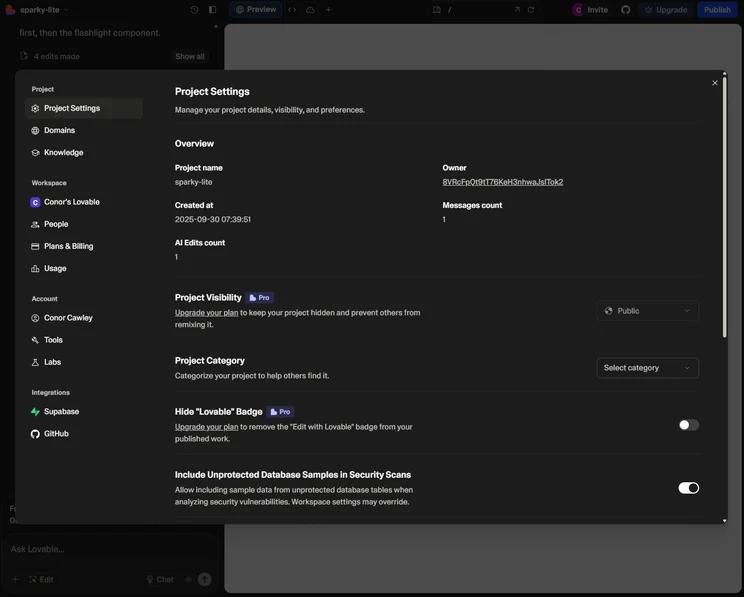
However, these plans are fairly limited when it comes to general functionality. For example, the Base44 free plan does not generate editable code, and the Lovable free plan doesn’t have custom branding capabilities.
On top of that, the free plans with Lovable and Base44 have strict usage limits. With the Lovable free plan, you only get five credits per day, with a total limit of 30 credits per month. For Base44, you get 25 message credits per month and 100 integration credits per month with the free plan.
Base44 announced a new set of features in February 2026, most importantly making it possible for users to publish apps directly to the Apple App Store and Google Play Store. In this update, Base44 added a Plan Mode to better prep the system to create your app and more seamless integration with Gmail.
Lovable has also updated its platform, adding a Plan Mode in a February 2026 update that allows you to review and shape the platform’s approach before you get started with actually building your app.
Getting Started With Base44 vs Lovable
As of April 2026, 7% of SMBs still lack a website because they don’t have expertise. Base44 and Lovable are both easy-to-use solutions. These key differences between the two stood out in our tests.
- Setting up: Both Lovable and Base44 had a quick set up process, allowing us to create a functioning app in under five minutes.
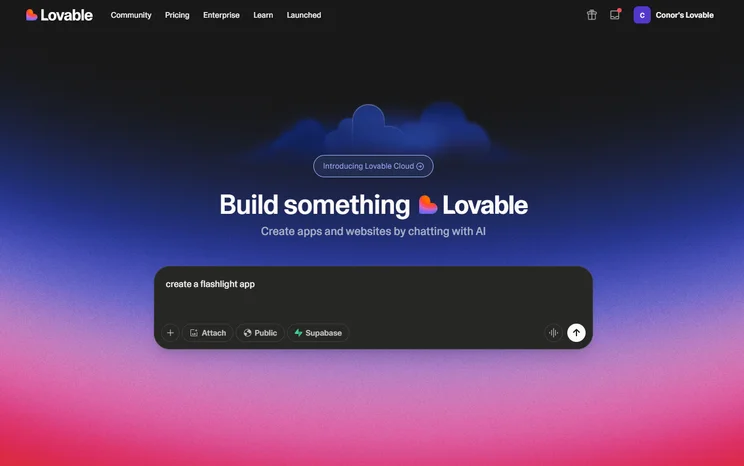
- Prompting: Base44 allowed us to choose which AI model we wanted to prompt, which Lovable did not provide. Base44 also has an integrated backed and database, while Lovable provided us with a separate database through Supabase.
- Designing: Base44 provided ready-made templates with different themes for different apps, while Lovable offered more general use templates.
- Fixing errors: Both Base44 and Lovable made it easy to fix errors with natural language prompts.
- Security: 39% of business owners say they’re more concerned about cyber attacks after implementing AI. Base44 and Lovable both address this with built-in security scanning to catch exposed data or leaked API keys.
- Deployment: Both Base44 and Lovable provide a simple button to get your app live on the web instantaneously and you can edit your app any time after its launched.
- Hosting: Base44 is fully built-in and managed by Wix, while Lovable hosting is built in just for the initial stage site, but for larger apps, you’ll want to integrate with a third party service like GitHub, which incurs its own hosting costs.
- Code ownership: Lovable allows you to completely own your code, while Base44 only licenses it to you. This means you won’t be able to download your source code for other projects with Base44.
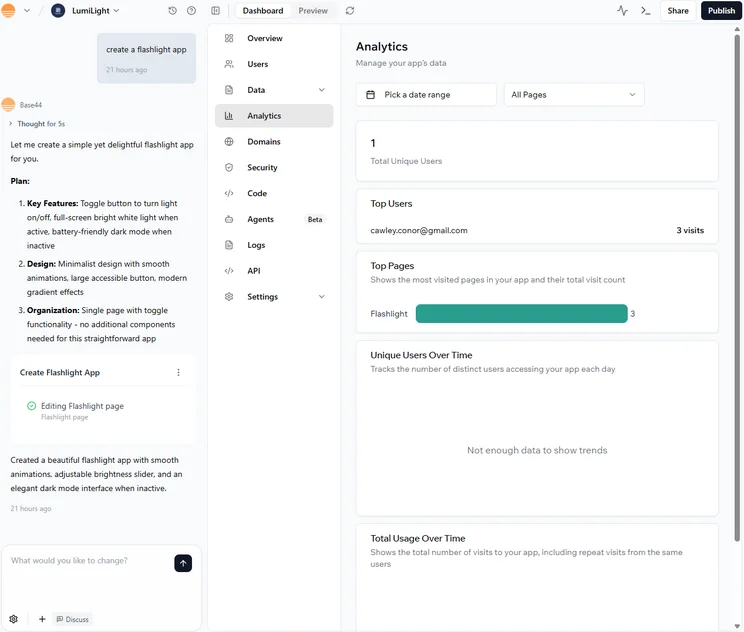
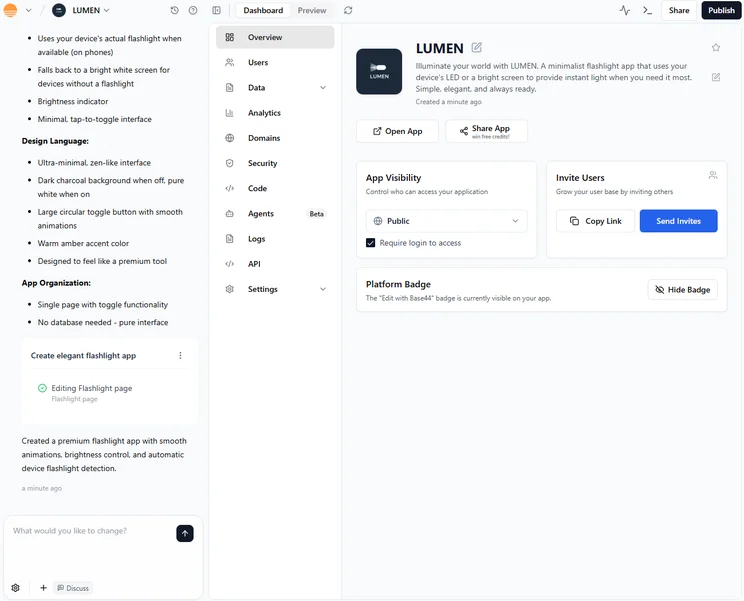
Base44 allows you to access analytics immediately after generating your app. Source: Tech.co testing
Is Base44 or Lovable Easier to Use?
Overall, Base44 is the easier platform to use. While Base44 and Lovable are designed with beginners in mind and require very little coding experience, it was Base44’s integrated functionality that made it the easiest to use out of the two.
While Lovable’s external connection to Supabase is great for more advanced users, it may not be as beginner-friendly as Base44’s setup.
For example, I wanted to integrate an LLM into my app for my customers to talk to if they had any questions/queries. Base44 had this functionality built in, but, with Lovable, I had to investigate how I would connect an LLM to my app externally.
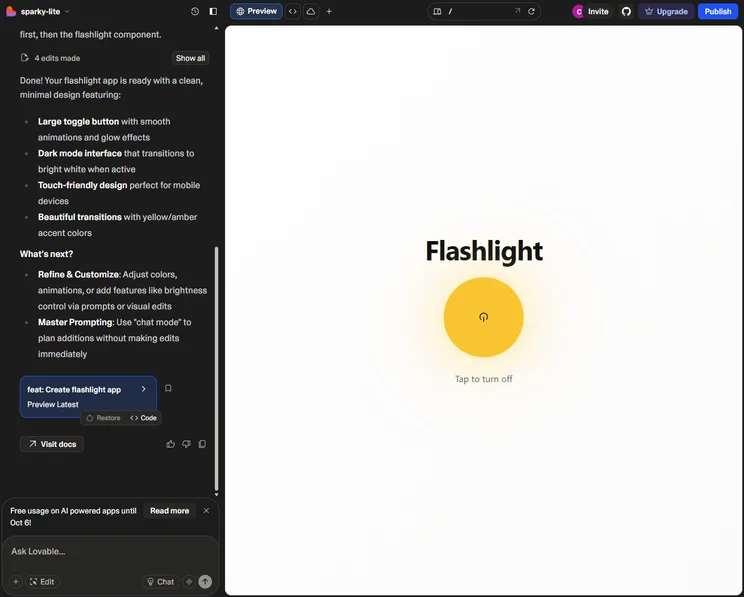
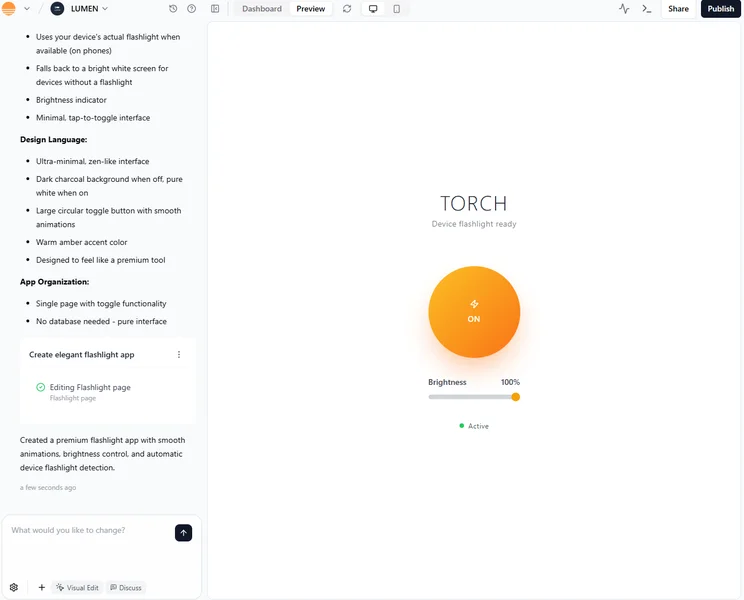
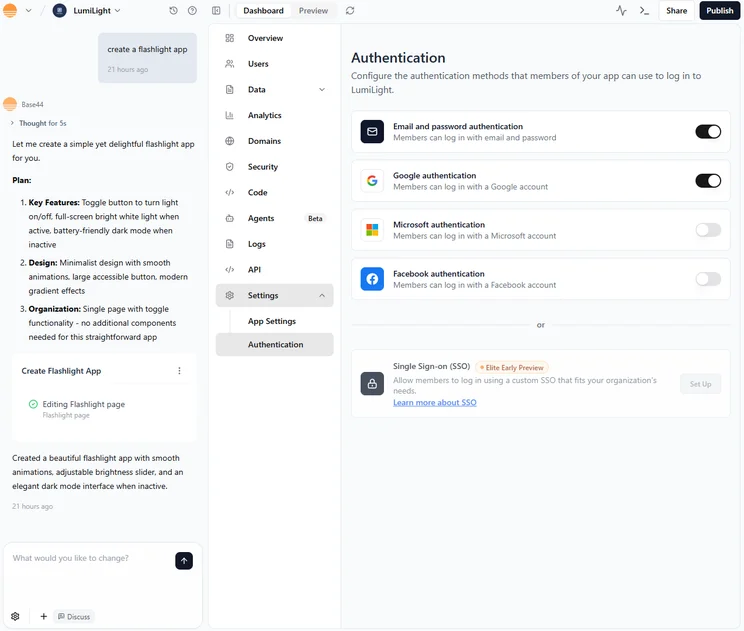
We created a simple flashlight app using Lovable. Source: Tech.co Testing
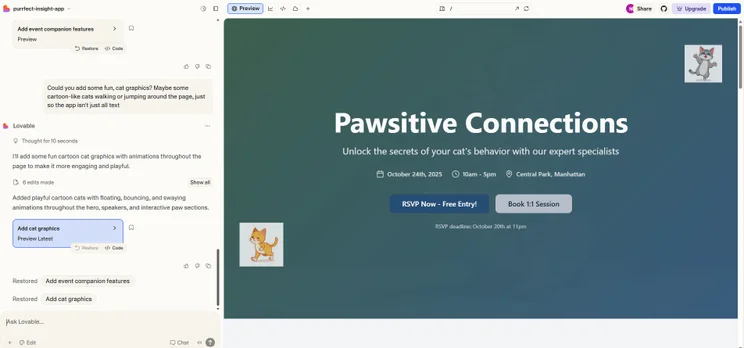
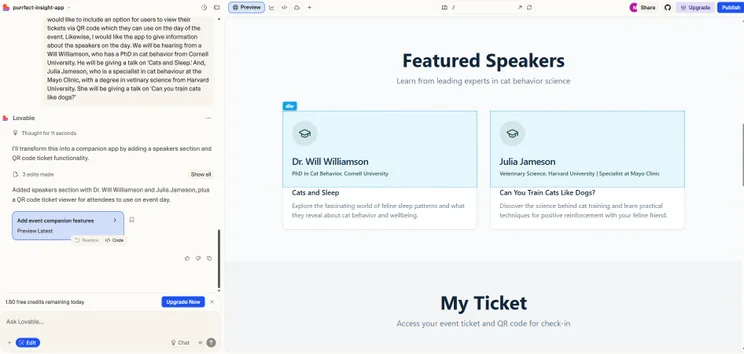
However, based on the other AI app builders I’ve tested, Lovable and Base44 were probably two of the easiest to use overall. Neither of them have a convoluted interface with plenty of options, like FlutterFlow, and their simple, intuitive designs meant I could find everything I needed, such as the option to view my app in both mobile and desktop formats.
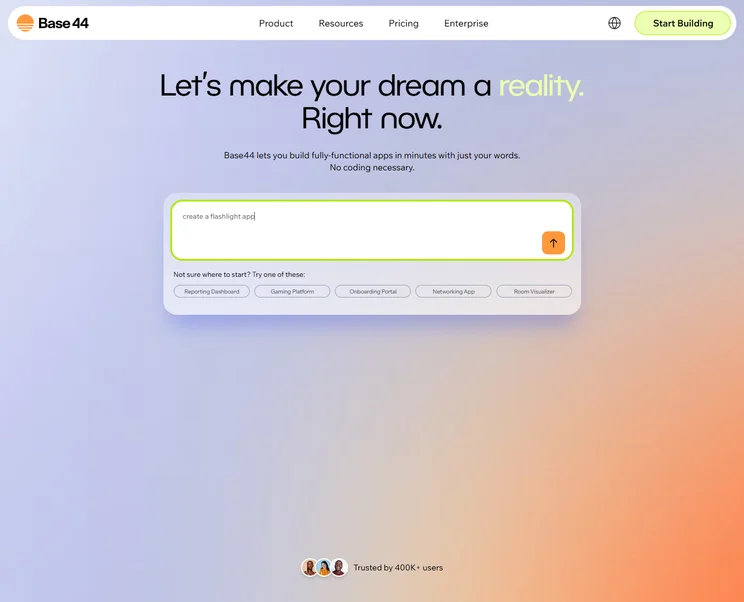
Base44 and Lovable are both browser-based, meaning you can access them by going on to each website, and both begin by simply taking in your prompt. While you do have the option to use code on both Lovable and Base44, you can definitely get by on both without it.
Ultimately, Base44 clinches this round because of the way it’s set up, but there isn’t much separating these two platforms when it comes to ease of use. If you want a more detailed look at what Base44 is like to use, check out our Base44 review.
What to Look For in a Vibe Coding App
Understanding the pros and cons of vibe coding platforms is one thing, but it’s also important to know exactly what should go into the decision. That’s why we’ve provided a few helpful tips on what you should consider before picking your platform.
- Coding proficiency: Some platforms truly require no coding knowledge whatsoever, while others operate as assistants to improve your coding, so you’ll want to decide which is a better fit for your business.
- Business size: Scalability is built into some platforms, while others are geared exclusively towards smaller businesses in both price and functionality. Make sure to consider where you are now and where you want to end up.
- Budget: Despite most of them having a free plan and a $20-$30 starting plan, the price of vibe coding platforms varies substantially due to the different credit/token allotments for each.
- Device storage: Some platforms are browser-based, but others require you to download an app. This can be demanding on the performance and storage of your device, although it does often provide better results.
- Integrations: Various third-party integrations are available with different vibe coding platforms, so make sure your systems work with the particular option you’re looking for.
More importantly, you should make sure that vibe coding is what you’re looking for in the first place. There is a wide range of different AI tools for different purposes.
How Do Base44 and Lovable Compare With the Competition?
Base44 and Lovable are browser-based solutions designed for beginners and for those with no experience of coding. While they are some of the most popular and highly-rated options, there are still plenty of other choices out there.
If you can already code and are looking for a platform that can handle more advanced actions, then Cursor is a great option. Unlike Base44 and Lovable, Cursor is app-based and downloadable for free on your desktop. Cursor will integrate itself into existing coding applications and offer assistance, such as line-by-line improvements.
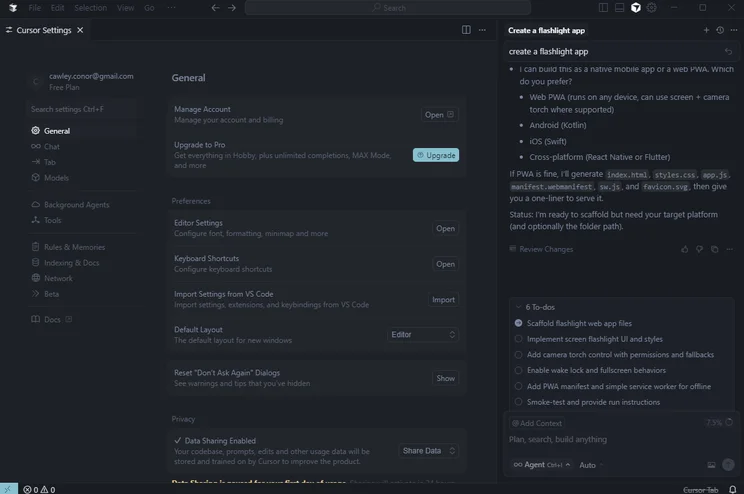
Cursor has an advanced set of settings, making it more capable of handling complex tasks compared with Base44 and Lovable. Source: Tech.co testing
Bolt.new is another great option, if you want a slight step up from the likes of Lovable and Base44, but don’t want to go as far as Cursor.
The platform provides full-stack app generation, integrations with GitHub, and the option to use Claude Code, the AI coding tool. Better yet, prices start at only $18 per month, which is cheaper than both Base44 and Lovable.
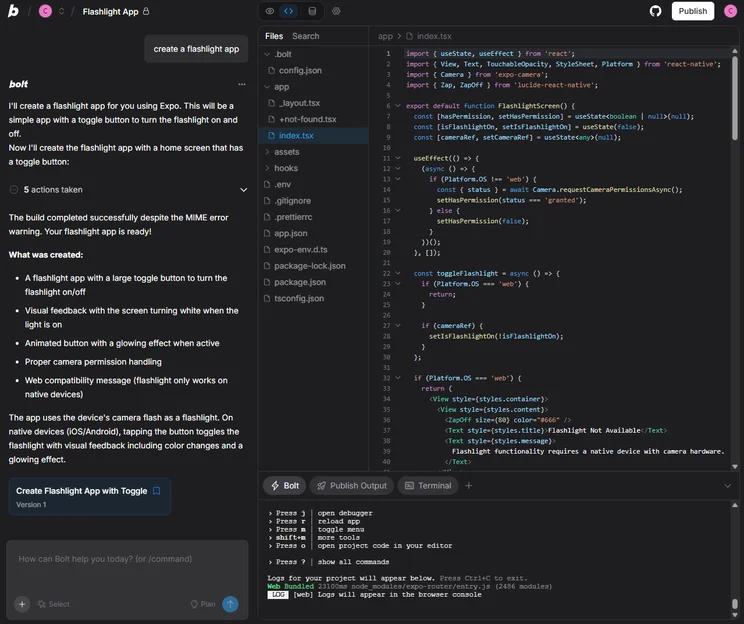
You’ll be able to closely edit your app or website with Bolt.new through direct interaction with code. Source: Tech.co testing
There are a lot of Base44 and Lovable alternatives out there, and we’ve done in-depth research on many of them. Check out the comparison table below to see how they match up on price, features, and more.
|
Brand
|
Price
|
Free plan
|
Free trial
|
Full-stack app generation
Does the platform build both the frontend and backend of the app for you?
|
Browser-based platform
Can you access the platform on a browser without downloading an app?
|
GitHub integration
Does the platform integrate with GitHub?
|
Real-time collaboration
Can multiple users collaborate in real-time on the platform?
|
Edit code
Does the platform generate editable code?
|
Plug-ins/extensions
Does the platform offer functionality with plug-ins and extensions?
|
|
|---|---|---|---|---|---|---|---|---|---|---|
|
|
|
 |
 |
 |
 |
|||||
|
Base44 |
Lovable |
Bolt.new |
Replit |
Cursor |
FlutterFlow |
|||||
|
$16/month |
$21/month |
$18/month |
$18/month |
$16/month |
$29.25/month |
|||||
|
|
|
|
|
|
|
|||||
|
|
|
|
|
14 days |
14 days |
|||||
|
|
|
|
|
|
|
|||||
|
|
|
|
|
|
|
|||||
|
|
|
|
|
|
|
|||||
|
|
|
|
|
|
Only on higher tiers |
|||||
|
Paid plans only |
|
|
|
|
|
|||||
|
|
|
|
|
|
|
How We Evaluate Vibe Coding Platforms
At Tech.co, research is an integral part of the reviewing and ranking process for business software. After all, how you can trust our judgement when it comes to platform recommendations if we aren’t making a comprehensive effort to evaluate them in a real way?
Below, we’ve outlined the criteria by which we evaluate vibe coding platforms like Base44 and Lovable.
- Full-stack capabilities: Full-stack describes a platform’s ability to generate and customize apps on the frontend and backend. Not all platforms can do both, which is why we took this into consideration when evaluating vibe coding options.
- Customization: Platforms have varying levels of customizability, allowing you to change how apps look with specific tools, like drag-and-drop editors, so you can understand what kind of control you have over your generated apps.
- Integrations: Vibe coding platforms, like most business software, can integrate with other services, like GitHub, Stripe, and Slack, so we make sure to evaluate how extensive these kinds of integrations are for each platform.
- Ease of use: Vibe coding platforms can get confusing fast, which is why we analyzed how easy it is to actually use the platform and navigate its features.
- Coding importance: Some of the options reviewed are true no-code platforms, while others are very code-heavy, which is why we look at this metric to understand exactly how technical you need to be to use it.
To learn more about how Tech.co investigates business software like vibe coding platforms, make sure to check out our research and analysis guide to get a peek at our process.
By only a slim margin, Base44 is a better choice than Lovable, particularly for beginners, because of its easy-to-use and intuitive interface, feature-packed free plan, and affordable pricing options, as well as the all-in-one approach it brings to project design.
That’s not to say you should completely dismiss Lovable. It’s also extremely easy to use, and allows a vast amount of integrations with applications such as GitHub.
Ultimately, the best choice is the one that works for you and your business’s needs. Luckily, both Lovable and Base44 have extensive free plans, so you can get started right away and see if they work for you, before making a paid commitment.
Frequently Asked Questions
You can export your code with Lovable, but Base44 does not allow you to download your source code to use with other platforms.
Base44 is a better platform for non-coders than Lovable, because it manages backend, database, and hosting as an all-in-one platform, all fueled by natural language prompts. More so, Base44 does not allow for editable code on its free plan.
Both Base44 and Lovable have monthly credit limits that prevent you from using an excessive number of queries to create your app. If you hit your limit your app stays live, but you won’t be able to make any edits until you reach the next month.
If you click on, sign up to a service through, or make a purchase through the links on our site, or use our quotes tool to receive custom pricing for your business needs, we may earn a referral fee from the supplier(s) of the technology you’re interested in. This helps Tech.co to provide free information and reviews, and carries no additional cost to you. Most importantly, it doesn’t affect our editorial impartiality. Ratings and rankings on Tech.co cannot be bought. Our reviews are based on objective research analysis. Rare exceptions to this will be marked clearly as a ‘sponsored’ table column, or explained by a full advertising disclosure on the page, in place of this one. Click to return to top of page


